Skip to content
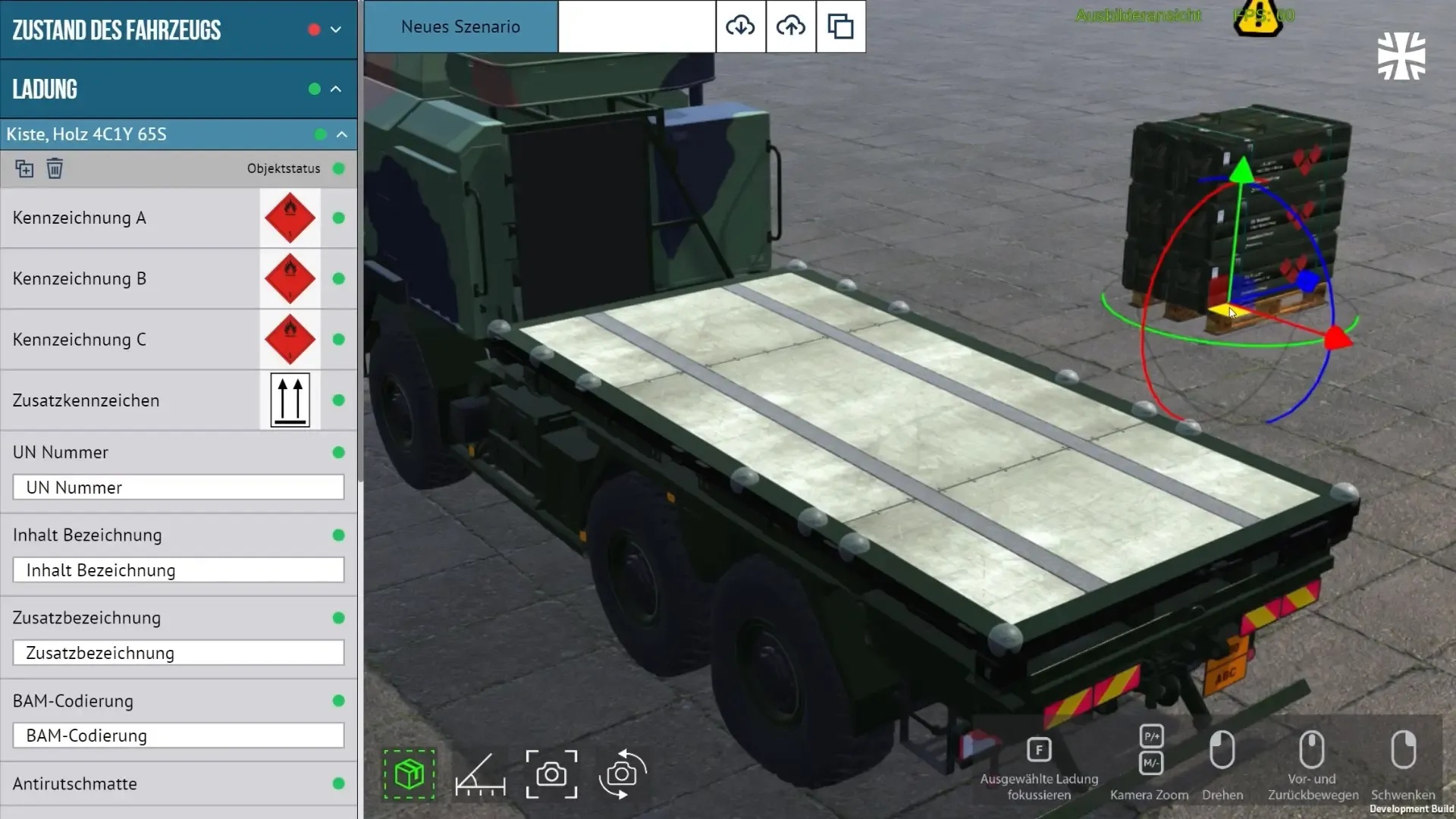
BWI 3D simulation: loading a dangerous goods truck, with the inspection panel

3D & AR/VR simulations

Practise on the real thing, without the risk.

Interactive 3D simulations, augmented reality and virtual reality training for skills that slides can’t teach: operating machines, performing procedures and handling high-risk situations. Runs in the browser, on a tablet or in a headset.

Trusted for 3D and VR training

Learning by doing, without real-world consequences.

Learning by doing is the oldest way to master a technical skill. But practising on real machines, handling real hazards or facing real emergencies is often too risky, too expensive or simply impossible. Immersive training moves that practice into a safe digital environment.

Safe to fail

Learners make mistakes and see the consequences without damaging equipment or putting anyone at risk.

Train before the machine arrives

Product and equipment training can start from CAD data, before the first unit leaves the factory.

The same practice for everyone

Every learner gets the same realistic scenarios, in every location, without a trainer or equipment on site.

Decisions with consequences

Branching scenarios train judgement under pressure, not just knowledge of the steps.

Runs where your people are

Browser, tablet, phone or headset: we pick the device that fits your audience, your IT and your budget.

Measurable practice

Attempts, errors and decisions can be tracked and reported, so you see who is ready and where people struggle.

Three ways to step inside the training.

We choose the format by what your people need to practise and the devices they have, not by the latest hype. Many projects start with a browser-based 3D simulation and grow from there.

1/3 3D simulation

Practise on a digital twin.

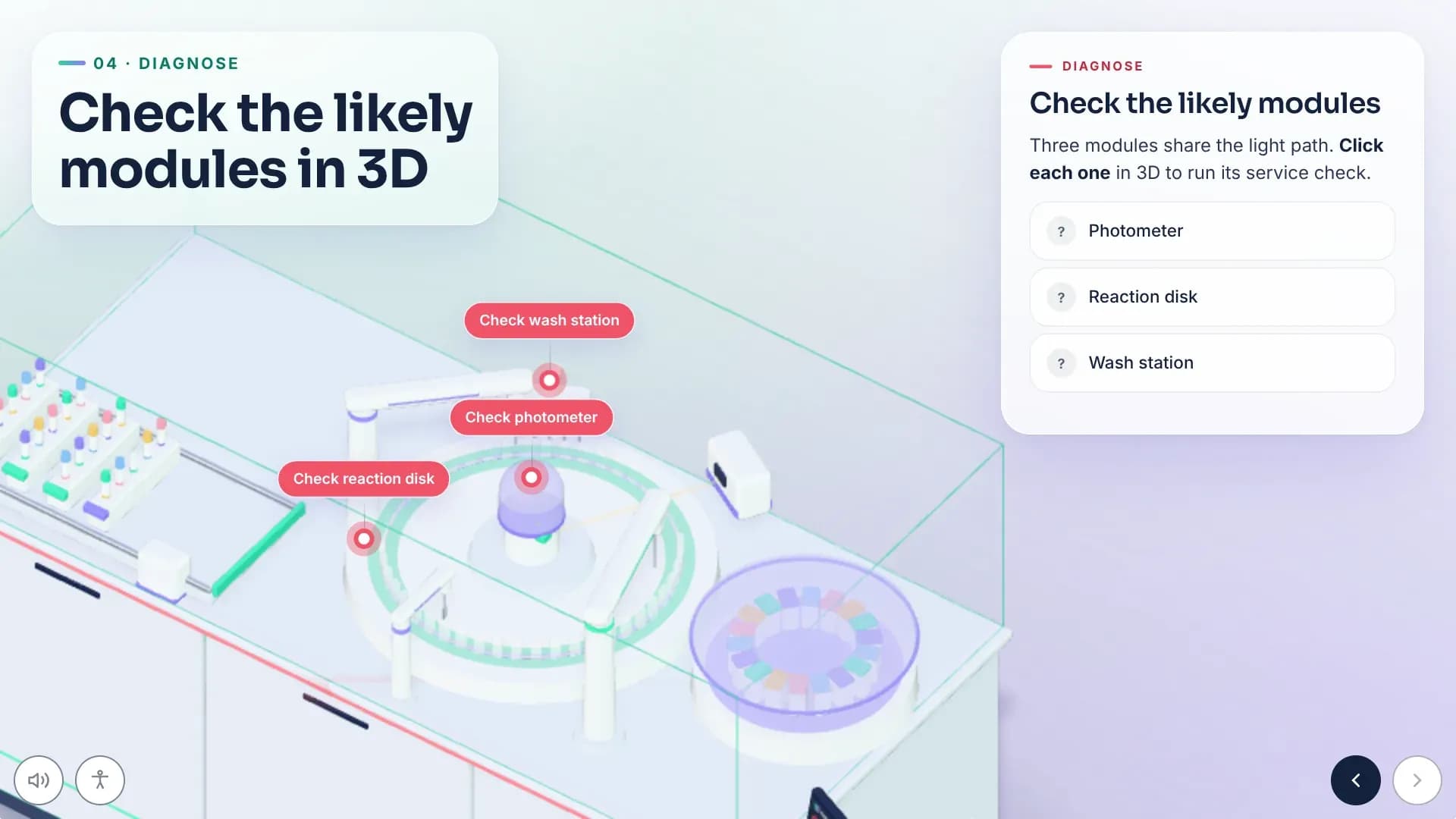
Realistic, interactive 3D simulations let learners practise skills and make decisions in a safe environment. From standalone applications to modules inside a web-based training, they provide hands-on experience without real-world consequences and build confidence and competence.

  • Runs in the browser, no headset needed
  • Built from CAD data, drawings or photos
  • Scenarios trainers can set up themselves
elearning bwi sim open v1

Made for skills that are hard to practise for real.

Safety and emergency procedures

Evacuations, fires, hazardous materials and other emergencies: situations you can’t rehearse for real as often as you should.

Machines and equipment

Operate, inspect and maintain equipment on a digital twin, without taking the real machine out of service.

Product training for sales and service

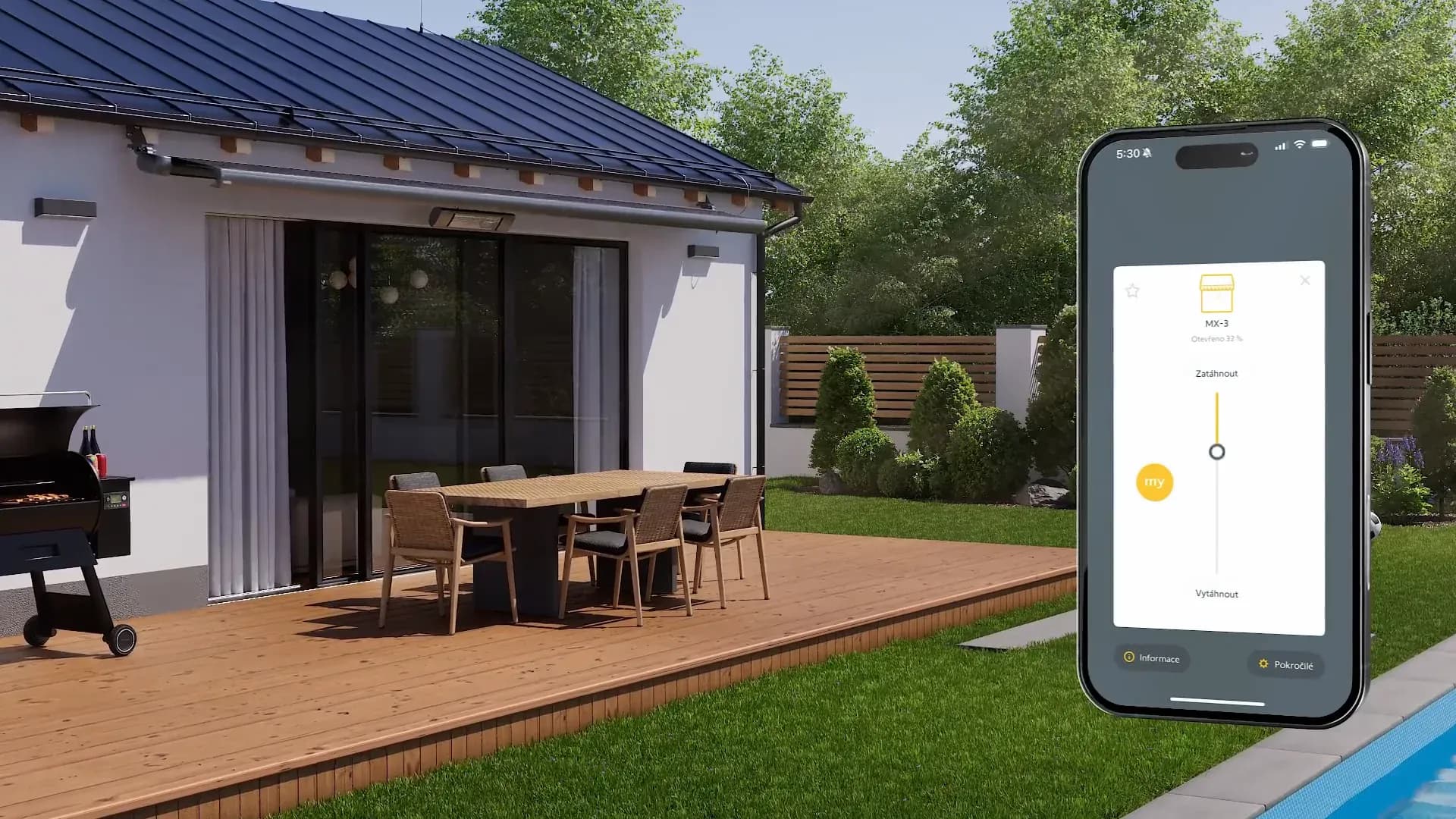
Show what is inside a product and how it is assembled and serviced, on a tablet in front of your customer or at a trade fair stand.

Inspections and checks

Learners work through checklists on a realistic model, find the hidden faults and document what they found.

Play one of our 3D courses.

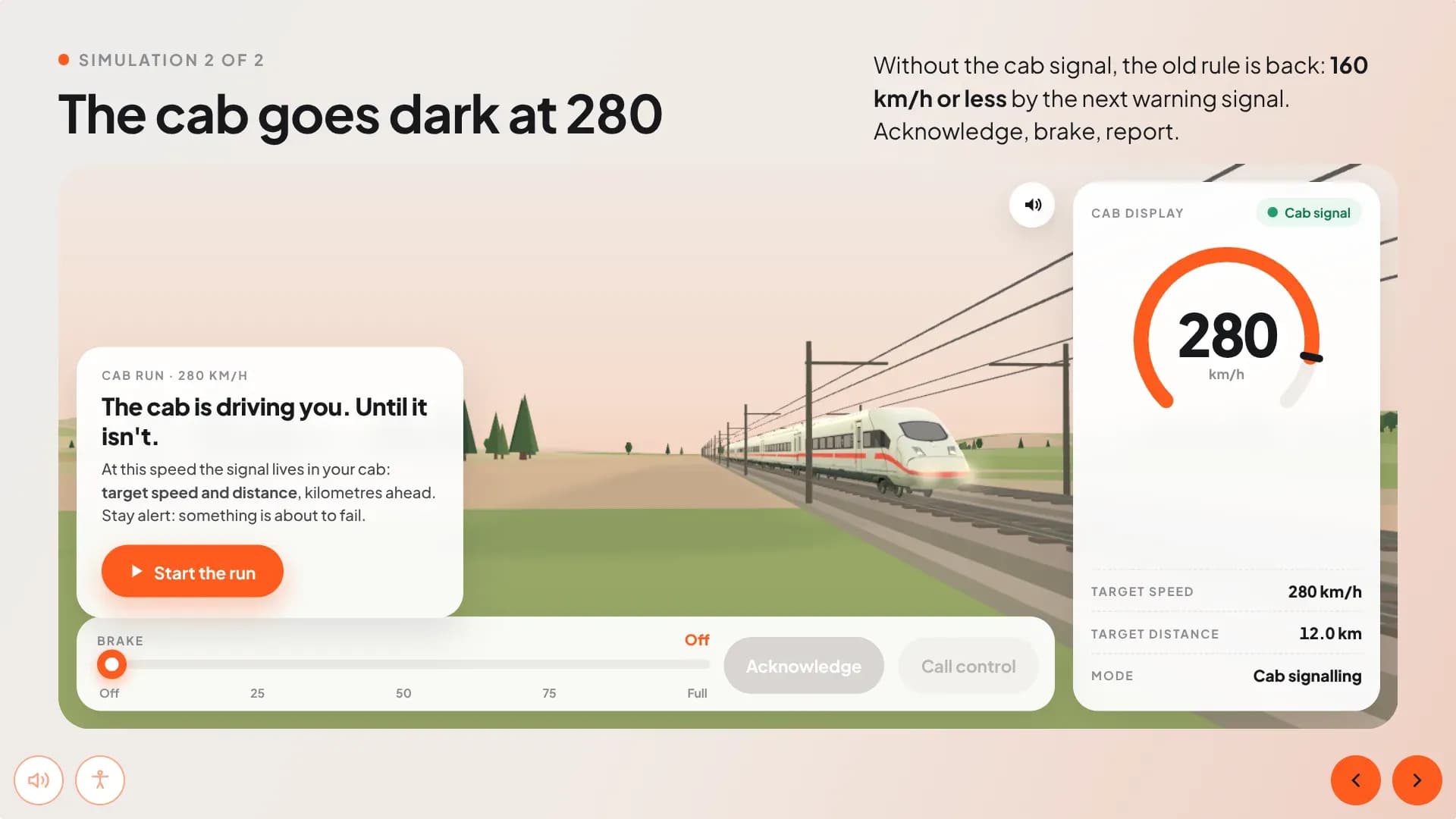
Four showcase courses built with mynd Learning. No sign-up, no plug-in: they run right in your browser.

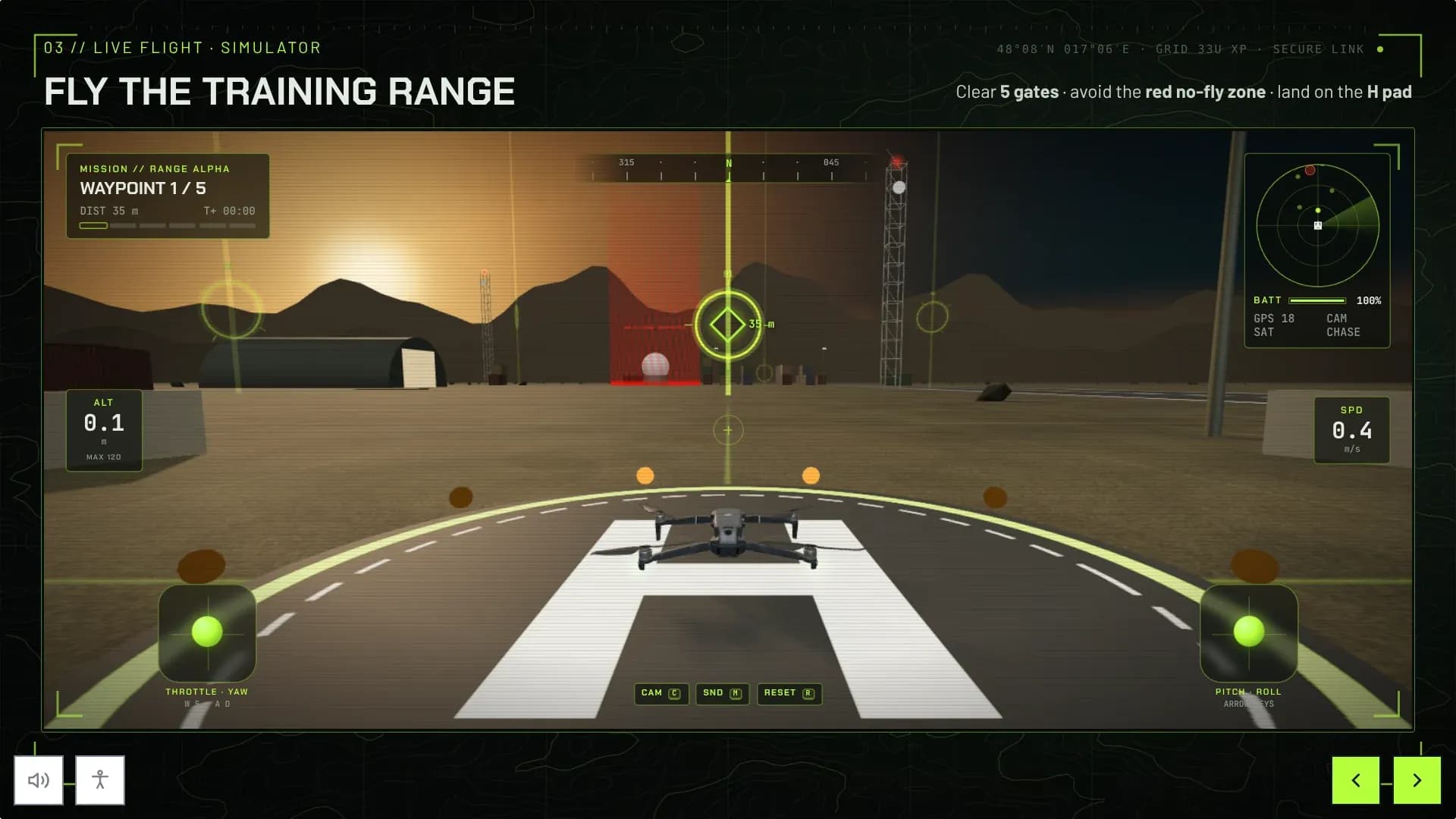
1/4 Drone pilot training · 3D · 6 min

Take command of the sky.

Six minutes to flight-ready: learn the rules of the air, check a 3D drone before take-off and master the two sticks. Then fly the training range yourself, through five gates and around the no-fly zone, and land on the H pad.

  • Live 3D flight simulator
  • Pre-flight checklist and emergency procedures
  • Fly with keyboard, touch or gamepad
UAS Pilot Qualification: Module 01, screen 4

3D simulations and visualisations in action.

One simulation in detail.

Most immersive projects are confidential. This one we can show.

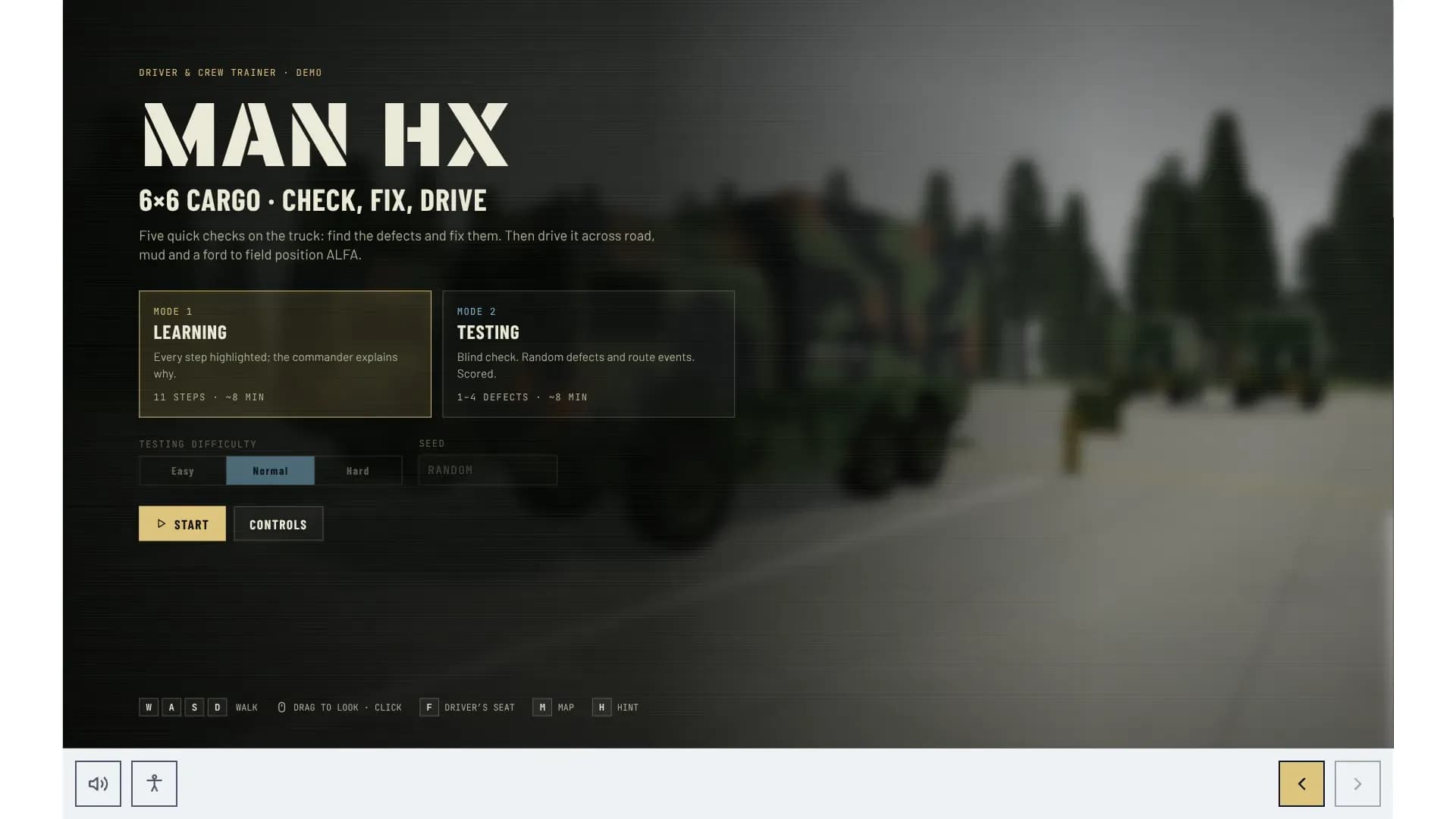
BWI

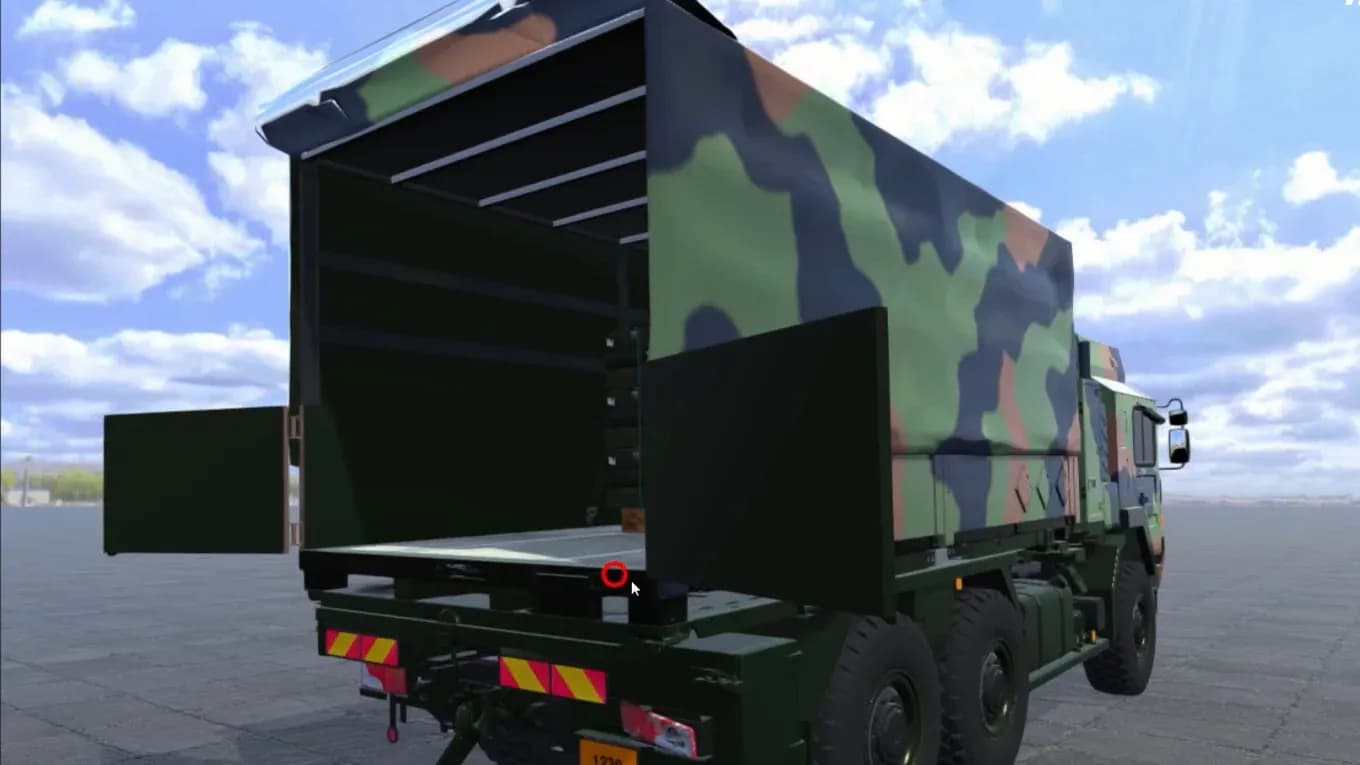
Inspecting a dangerous goods transport, in 3D.

1/3 Challenge

A Bundeswehr training school was moving to competence-based training. Its personnel had to learn how to inspect a dangerous goods transport on an unprotected five-tonne truck: vehicle condition, cargo, load securing, placards, documents and equipment. Practising on a real loaded vehicle is expensive, slow to set up and offers only one scenario at a time.

What our clients say.

4.97
Avg. Review Score
128
Unique Reviews
100%
Clients Recommend Us

Everything you need to know about immersive learning.

Devices, scalability, budget and timing. If your question is missing, call us or try the chat in the bottom right corner.

01

What is immersive learning?

Immersive learning uses 3D simulations, virtual reality (VR) or augmented reality (AR) to give learners access to realistic, interactive digital environments. They learn new skills, make decisions and gain experience in a safe and controlled setting, which increases engagement and builds practical skills without the risks or costs of real-world training.

02

Do I need special equipment?

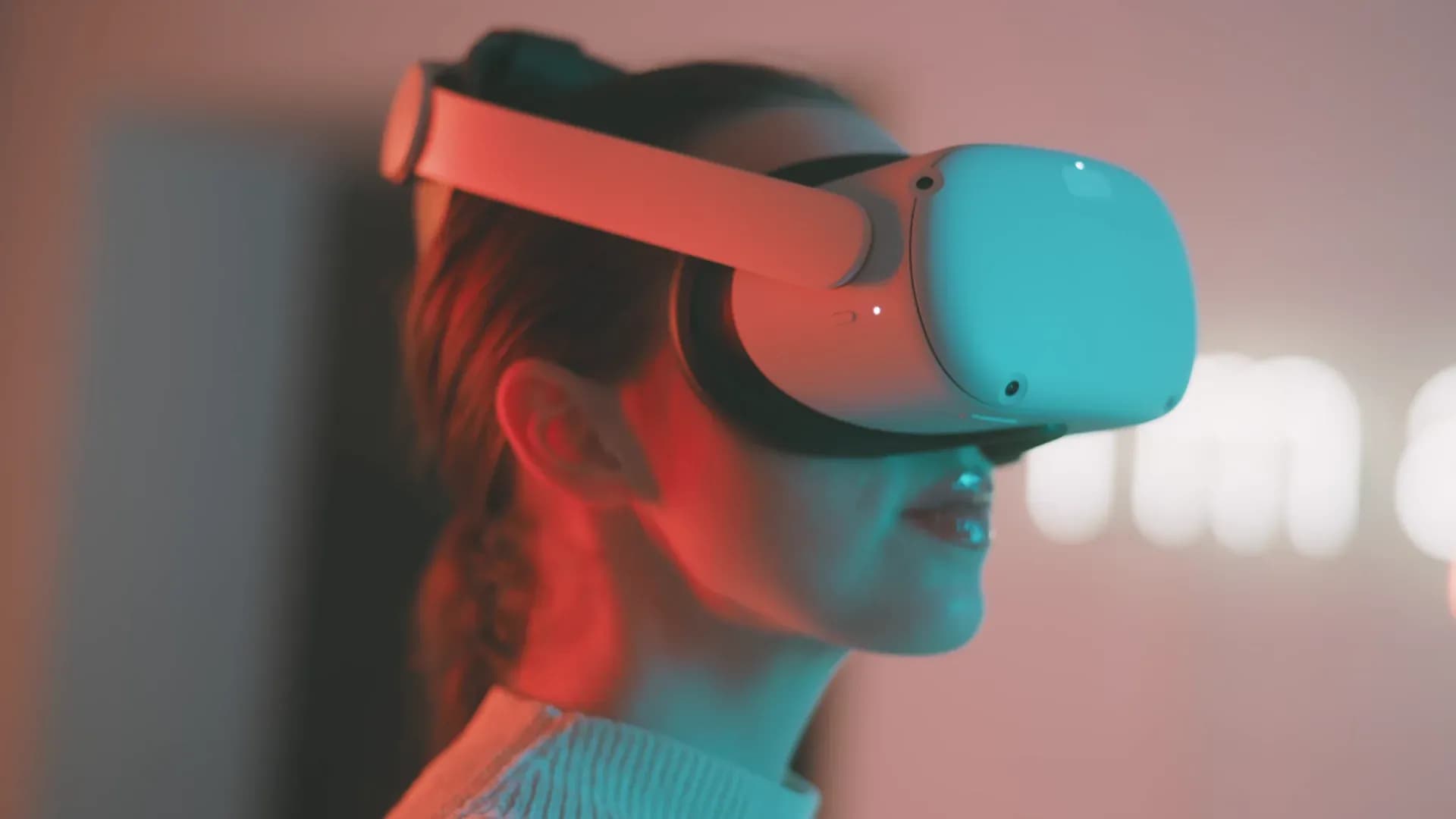
It depends on the format. 3D simulations are the most accessible and usually run on standard desktops, laptops, tablets or smartphones. Most VR experiences need a headset for full immersion, although some can be used on desktop or mobile with less immersion. AR typically uses smartphones, tablets or AR glasses. We help you choose based on the level of immersion you need and the devices you have.

03

How scalable are immersive solutions?

Very. The content itself can be deployed to any number of learners; the main limit is the hardware some formats need, such as headsets or AR glasses. Browser-based 3D simulations scale like any other online course.

04

Can it run in our LMS?

Browser-based 3D simulations can be packaged like a web-based training, as SCORM or xAPI, and report completion and results to your LMS. With xAPI we can also record every step and error in the simulation, so you see where learners get stuck. For headset applications we agree on the best way to track results with your platform at the start of the project.

05

How much does immersive training cost?

It depends on scope, interactivity, media, languages and review rounds, so there is no list price for immersive training. We start with a free, no-obligation consultation to understand your goals and then send you a transparent fixed quote that covers every step, with no hidden costs.

06

How long does production take?

It depends on the format (3D simulation, AR or VR), complexity, content scope and learning time. On average, an immersive training takes at least two months. From day one you get a clear project plan and a dedicated contact person who keeps everything on schedule.

2+
months on average

Ready to let your people practise?

Tell us what your people need to practise and on which devices. We will recommend 3D, AR or VR, outline the effort and send you a fixed quote within one to two business days.

Peter
Peter

Get in touch and let us create something mynd-blowing!

Book a call15 min
Attachments (optional)

Your data will be used to process your request. You can withdraw your consent at any time. Our privacy policy applies.